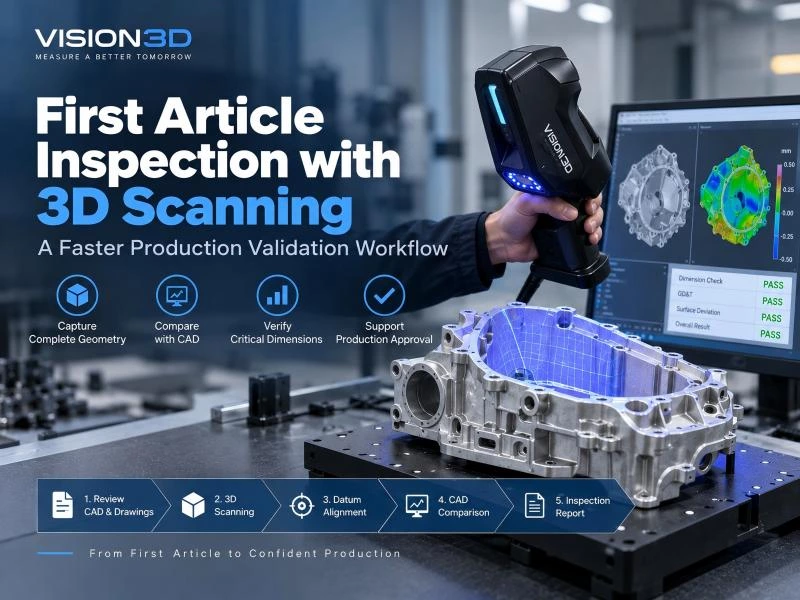
How 3D Scanning Works in Industrial Inspection
3D scanning has become an essential tool in modern manufacturing for inspection, dimensional measurement, reverse engineering, and quality control.
Many engineers and buyers still ask one important question:
How does 3D scanning actually work?
The principle is easier to understand than many people expect. Once you know how industrial 3D scanners capture data, it becomes much easier to choose the right solution for your production needs.
The Basic Principle: Measure Shape Without Contact
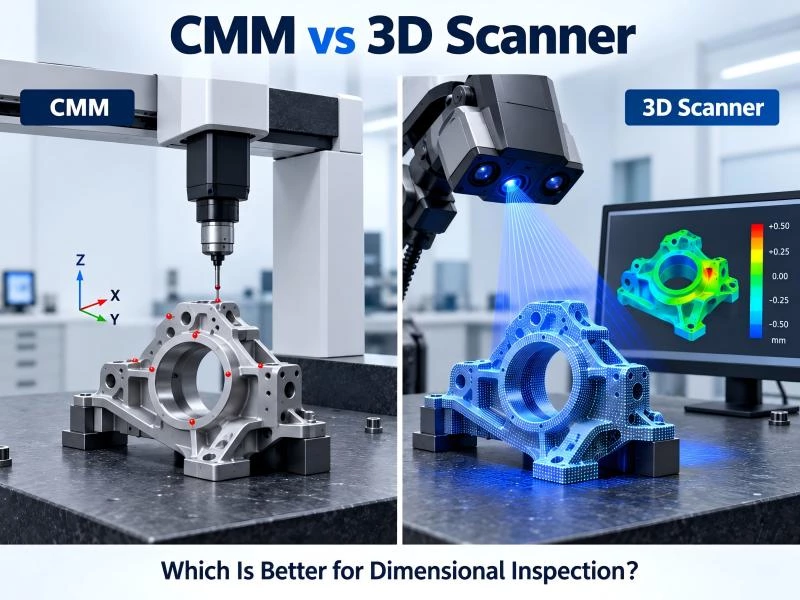
Traditional tools such as calipers, gauges, or CMM probes measure one point at a time. In contrast, a 3D scanner captures thousands or millions of surface points quickly without touching the part.
Instead of physical contact, the system uses light and cameras to calculate the geometry of an object and create a digital 3D model.
This non-contact method is ideal for delicate surfaces, complex shapes, and high-speed industrial inspection.
Step 1: Project Light Onto the Object
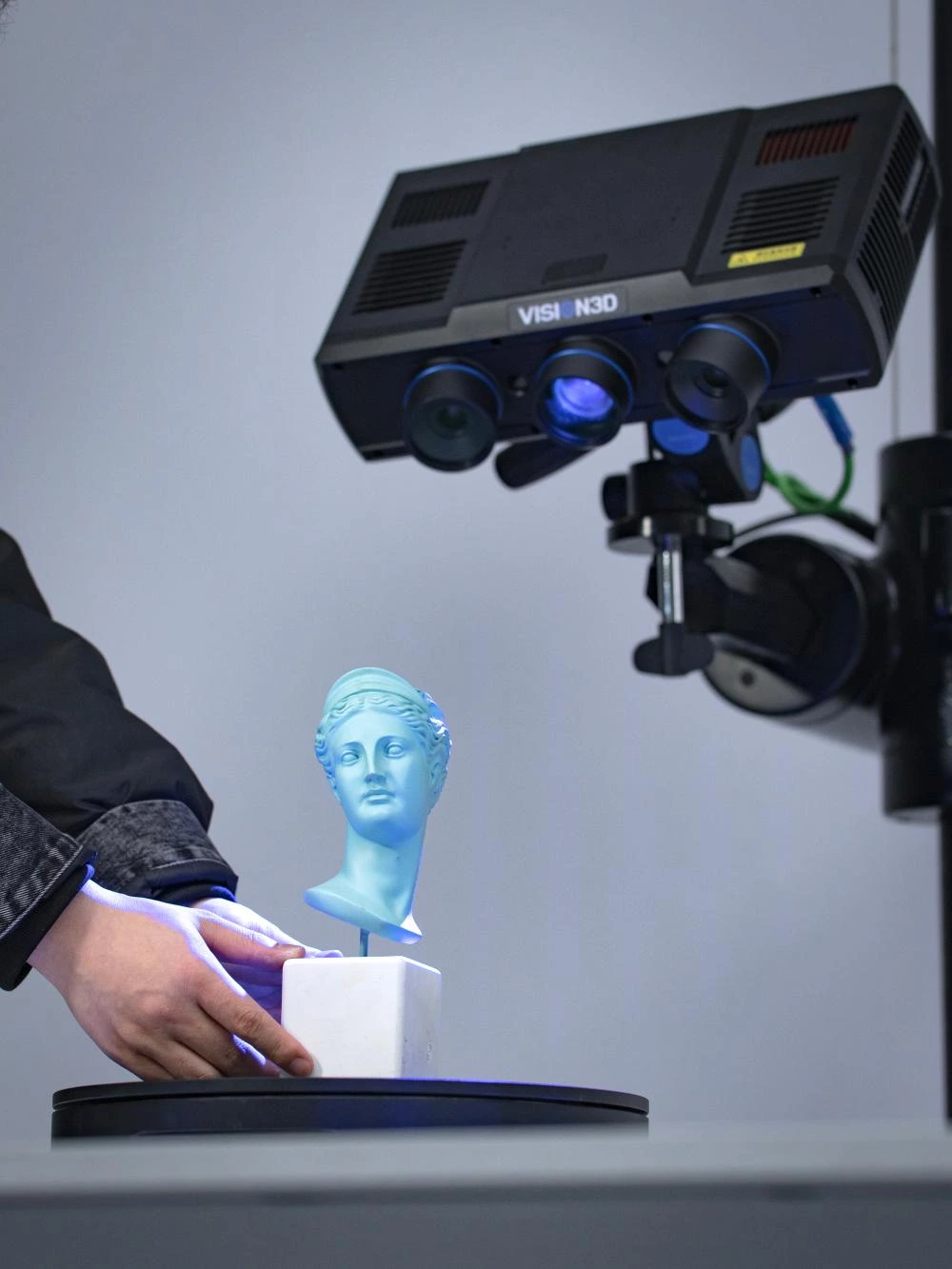
Most industrial 3D scanning systems begin by projecting or emitting light onto the target surface.
Common technologies include:
- Structured light scanning – projected stripe or coded patterns
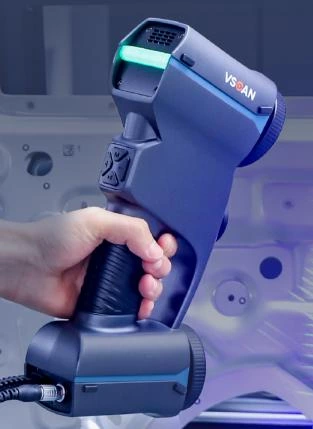
- Laser scanning – laser lines or laser crosses moving across the part
As the light reaches curves, holes, edges, and contours, the reflected pattern changes.
Step 2: Capture Surface Changes with Cameras
High-resolution cameras record how the projected light changes when it hits the object.
Flat surfaces return predictable signals, while curved or irregular areas distort the pattern.
These distortions contain the dimensional information needed to rebuild the part in 3D.
Step 3: Calculate 3D Coordinates
The scanner software uses triangulation principles to calculate the exact position of each measured point.
By knowing the angle between the light source and cameras, the system converts images into accurate X, Y, and Z coordinates.
The result is a dense set of measured data points known as a point cloud.
Step 4: Create a Usable 3D Model
After data capture, software processes the point cloud into a complete digital model.
This often includes:
- Removing noise
- Aligning multiple scans
- Filling missing areas
- Generating mesh surfaces
- Comparing to CAD models
The final output can be used for inspection, engineering analysis, reverse engineering, or production control.
Why 3D Scanning Is Valuable in Manufacturing
Compared with traditional measurement tools, industrial 3D scanning offers major advantages:
- Much faster inspection speed
- Full-field measurement instead of single-point checking
- Higher efficiency for complex geometries
- Digital reporting and traceability
- Easy comparison to CAD data
This is why 3D scanning is widely used in automotive, aerospace, electronics, tooling, rail transport, and general manufacturing industries.
Common 3D Scanning Technologies
Although systems use different hardware, the core workflow is the same:
Project light → Capture distortion → Calculate shape → Build digital model
Structured Light 3D Scanners
- High accuracy and repeatability
- Fast full-field capture
- Excellent for precision parts
- Suitable for small to medium components
Laser 3D Scanners
- Strong adaptability to dark or reflective surfaces
- Good for larger parts and deeper features
- Flexible for workshop environments
Automated 3D Inspection Systems
- Integrated with robotics and production lines
- Consistent repeatability
- High-speed inline inspection
- Ideal for smart manufacturing
What Can Affect Scanning Accuracy
Even advanced systems depend on proper operating conditions.
Main factors include:
- Reflective, transparent, or dark materials
- Ambient lighting changes
- Movement during scanning
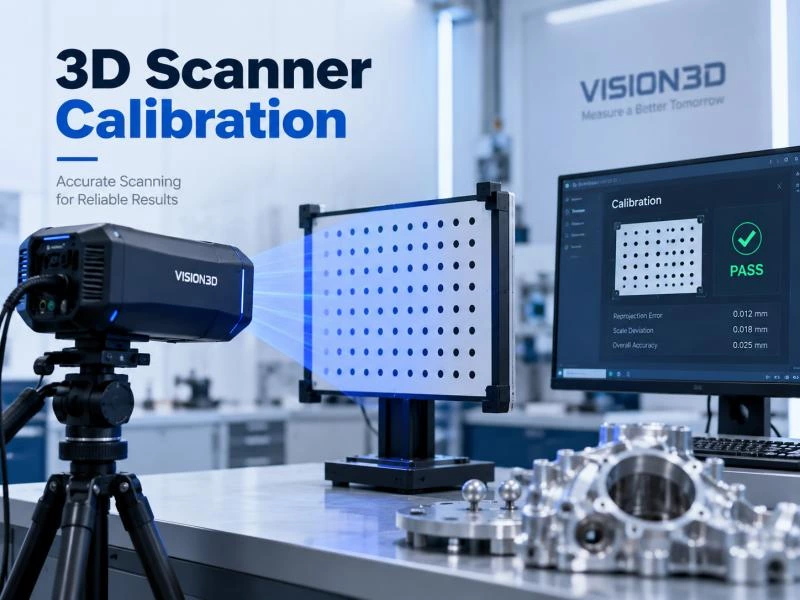
- Calibration quality
- Operator scanning technique
- Part accessibility
Understanding these variables helps manufacturers achieve stable and repeatable measurement results.
Industrial Applications of 3D Scanning
Today, 3D scanning is commonly used for:
- Dimensional inspection of machined parts
- Automotive body and assembly inspection
- Aerospace component verification
- Mold and tooling validation
- Casting and forging measurement
- Reverse engineering legacy parts
Final Thoughts
3D scanning may appear advanced, but the working principle is straightforward:
Use light to capture real-world geometry and convert it into measurable digital data.
Once manufacturers understand how 3D scanning works, it becomes easier to choose the right scanner, improve inspection efficiency, and maintain product quality.
Whether used for inspection, engineering, or automated production, 3D scanning remains one of the most efficient and reliable measurement technologies available today.